Accessing Logs
You have access to several types of logging from sites on Altis have following logs available:
- PHP Error log (two week retention)
- Nginx Error log (two week retention)
- WordPress Cron task logs (via Cavalcade, indefinite retention)
- Email logs (one month retention)
- Access logs (via a custom REST API endpoint, indefinite retention)
The logs can be viewed via Altis Dashboard under a site’s Logs tab.
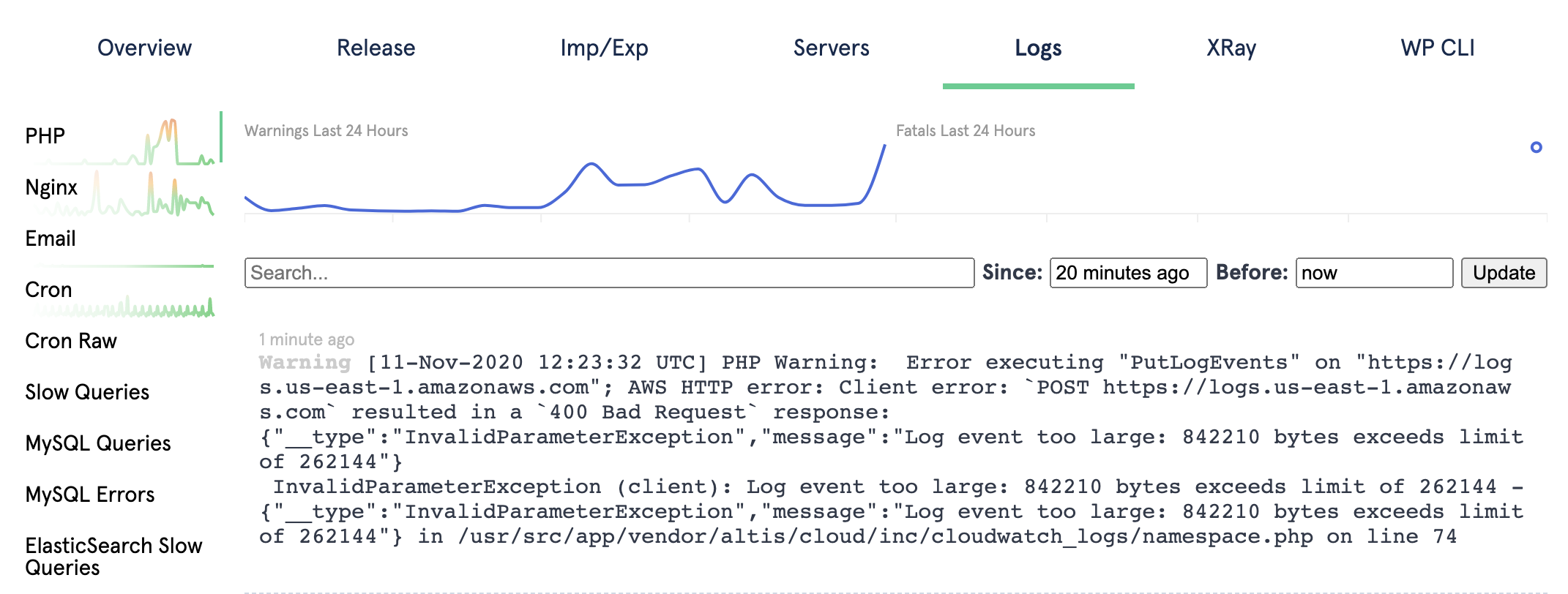
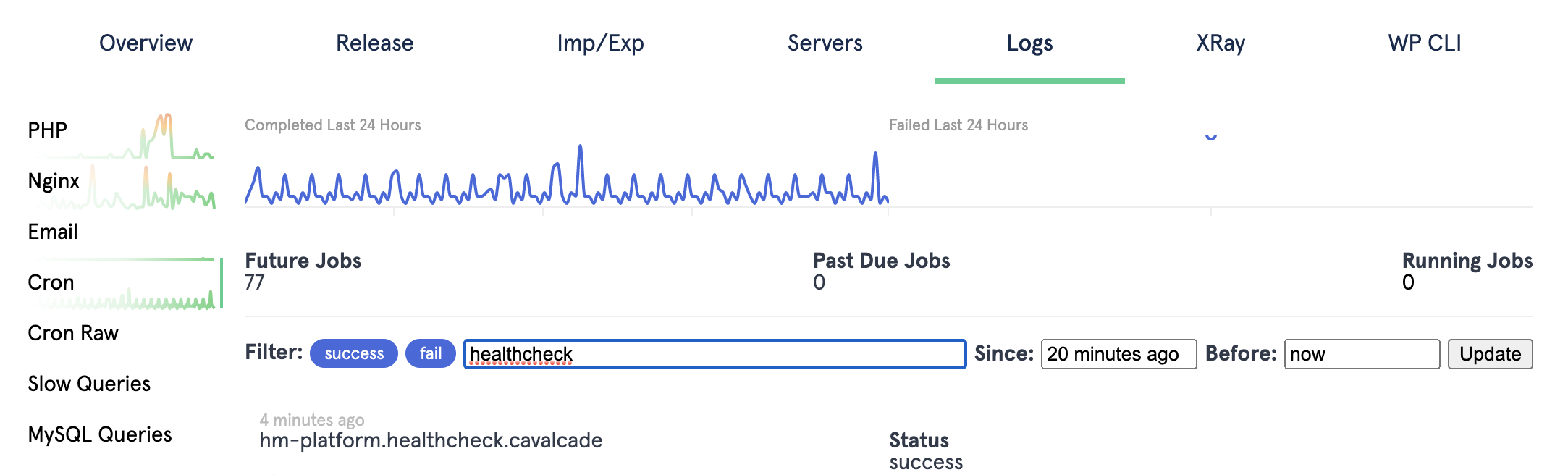
The date range can be specified for all logs types. Some log types will also support additional filtering such as cron logs.
To see which PHP and Nginx errors happen most often, use Log Insights, which groups similar log lines together and ranks them by frequency.